
IPTV Player Guide — How Digital Video Players Work
Learn how to set up, optimize, and stream our IPTV Testline using top-tier player applications on smart TVs, streaming sticks, mobile devices, and computers.
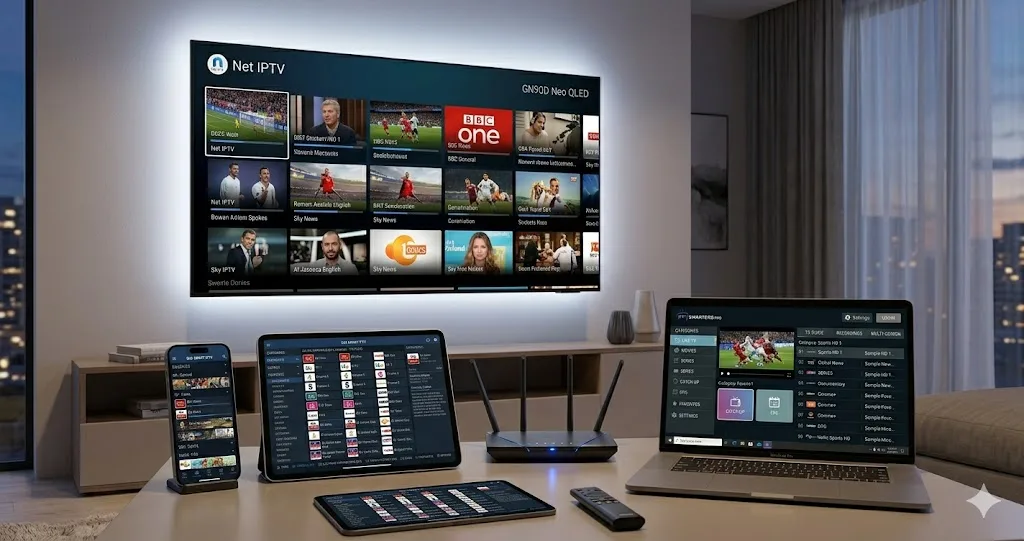
Understanding Digital Television Players
An IPTV player is software designed to interpret, organize, and render digital audiovisual streams delivered over IP networks. Without a player, an M3U playlist is simply a text file containing URLs. The player connects to streaming servers, parses channel metadata, matches electronic program guides (EPG), and passes raw video packets to your device's hardware decoder.
Pairing your IPTV Testline with the correct player ensures optimal performance, instantaneous channel zapping, and stutter-free 4K Ultra HD playback.
Hardware vs. Software Decoding Explained
Modern television broadcasts utilize advanced video codecs such as H.264 (AVC) and H.265 (HEVC). Hardware decoding passes video processing directly to your graphics chip (GPU), resulting in butter-smooth 60fps playback, cool device temperatures, and low power consumption. Software decoding relies on your CPU, which can cause frame drops and overheating on low-power streaming sticks.
Top applications like TiviMate, IPTV Smarters Pro, and VLC utilize native hardware decoding algorithms to ensure your streams remain stable under heavy sports action.
Need Help Installing Your IPTV App?
Our 24/7 technical team can guide you step-by-step through installing and configuring this app on your screen via WhatsApp.
Contact Setup Team on WhatsApp 🟢