
IPTV Devices Hub — Compatible Hardware & Setup Guides
Explore hardware requirements and configuration instructions to enjoy our IPTV Testline on your preferred screens with flawless 4K Ultra HD playback.
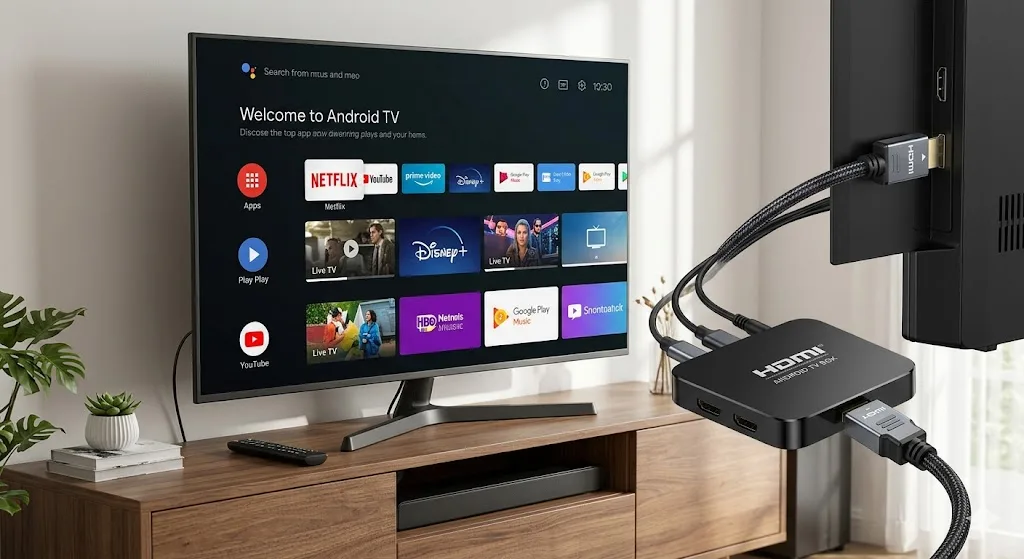
Supported Streaming Hardware & Setup Directory
One of the greatest strengths of modern digital streaming is device flexibility. You are never locked into proprietary provider hardware or forced to pay monthly set-top box rental fees. Our IPTV Testline supports virtually every digital device on the market today.
Whether you wish to stream directly on your living room Samsung Smart TV, configure an Amazon Fire TV Stick, set up an Apple TV in your bedroom, or watch on a Windows laptop while traveling, our service provides seamless compatibility. Every subscription is optimized for 1 active connection at a time, ensuring peak server bandwidth and zero stream contention.
Explore Device-Specific Guides
IPTV Box
Dedicated streaming hardware, Nvidia Shield, and Formuler boxes.
Samsung Smart TV
Native Tizen OS application setup without external hardware.
Android TV
Sony, Philips, TCL, and Google TV streaming configuration.
Apple TV
tvOS streaming with GSE Smart IPTV, iPlayTV, and AirPlay.
Windows & PC
Desktop viewing via IPTV Smarters Pro and VLC Media Player.
iPhone & iPad
Portable mobile streaming on iOS with battery optimization.
Smart TV (Universal)
LG webOS, Hisense VIDAA, and universal smart television guide.
IPTV Without Box
Save money and avoid clutter by streaming completely boxless.
IPTV With Box
Hardware decoding, Gigabit LAN, and dedicated performance.
Minimal Connection Requirements
For standard definition channels, a 5 Mbit/s connection is required. For Full HD 1080p channels, 10 Mbit/s provides flawless results, and for 4K Ultra HD broadcasts, we recommend at least 25 Mbit/s. Connecting your television or streaming device via a physical Ethernet cable is always recommended over Wi-Fi for absolute sports stability.
Need Setup Guidance for Your Device?
Our technical specialists are active 24/7 on WhatsApp to help you configure your exact television or streaming box in under 5 minutes.
Contact Setup Team on WhatsApp 🟢