
📺 Hardware Compatibility Guide
IPTV on Samsung Smart TV — Complete Setup Guide
Explore hardware requirements and configuration instructions to enjoy our IPTV Testline on your preferred screens with flawless 4K Ultra HD playback.
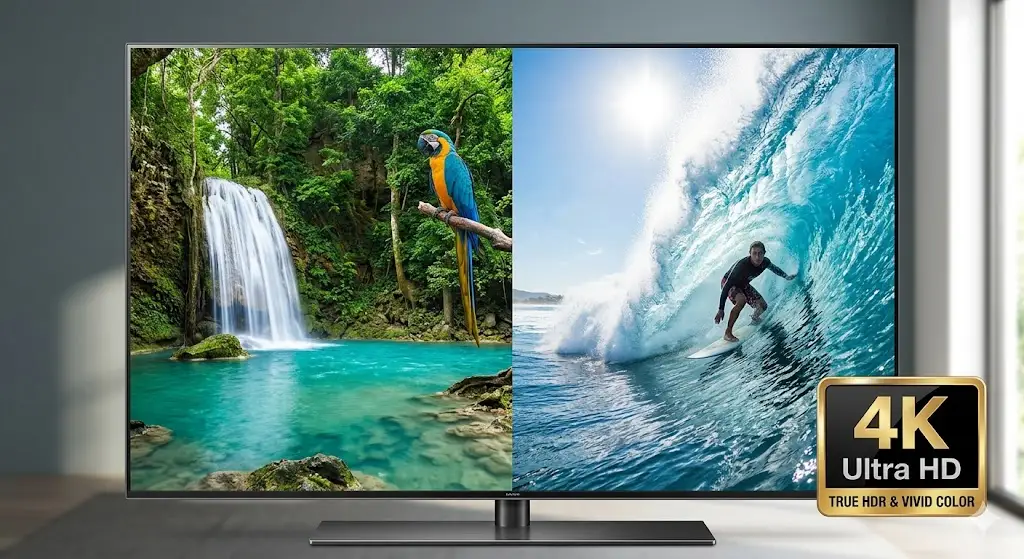
Stream Seamlessly on Samsung Tizen Smart TVs
Samsung televisions are renowned for their stunning QLED and OLED display panels, vibrant color reproduction, and sleek modern design. With our IPTV Testline, you can experience over 40,000 live channels directly on your Samsung TV without adding extra cables or secondary remote controls to your coffee table.
Recommended Samsung TV Applications
- IPTV Smarters Pro: The most popular and user-friendly app available in the Samsung App Store. Supports Xtream Codes API login, EPG scheduling, and multi-language audio.
- NET IPTV: A lightweight, high-performance alternative configured via web portal using your television's MAC address.
- SET IPTV: Another dependable smart TV player featuring clean channel grouping and fast zapping.
Step-by-Step Setup Instructions
- Open the Samsung App Store from your home dashboard and search for 'IPTV Smarters Pro'.
- Install and launch the application.
- Select 'Login with Xtream Codes API'.
- Input your account credentials and server address sent by our WhatsApp support desk.
- Start streaming live German TV, Bundesliga football, and 4K cinema immediately.
Need Setup Guidance for Your Device?
Our technical specialists are active 24/7 on WhatsApp to help you configure your exact television or streaming box in under 5 minutes.
Contact Setup Team on WhatsApp 🟢