
IPTV Smarters — Setup Guide, Features & Tutorial
Learn how to set up, optimize, and stream our IPTV Testline using top-tier player applications on smart TVs, streaming sticks, mobile devices, and computers.
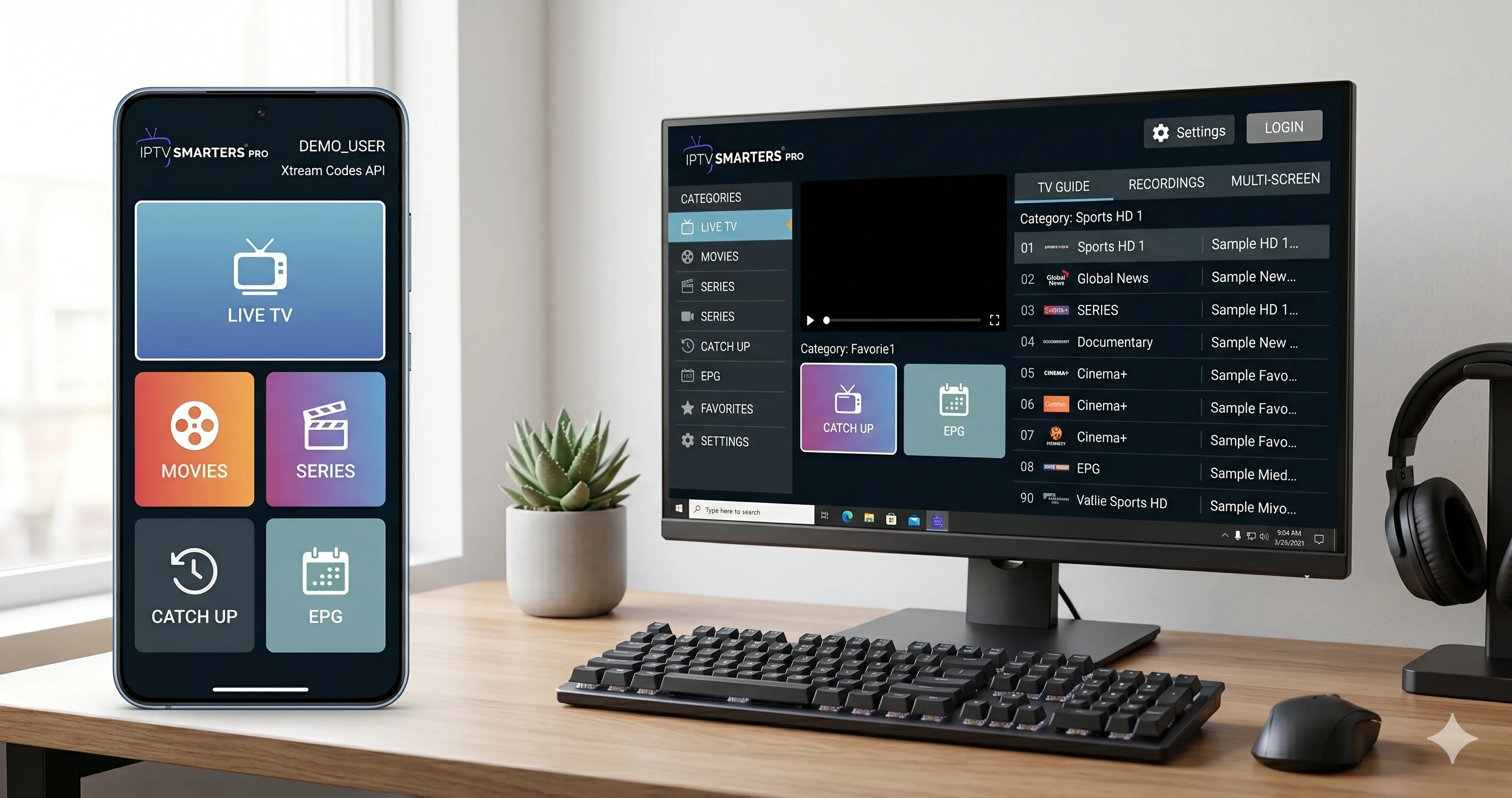
Complete Guide to IPTV Smarters Pro
IPTV Smarters Pro is one of the world's most widely adopted streaming applications, trusted by millions of cord-cutters for its clean presentation, reliable playback, and cross-platform compatibility. When paired with our IPTV Testline, IPTV Smarters transforms your television into a full-featured digital entertainment hub.
Key Capabilities & User Interface Highlights
- Xtream Codes API Integration: Simply enter your server URL, username, and password rather than typing long, error-prone M3U playlist web addresses.
- Categorized Media Hub: Automatically organizes live streams, video on demand movies, and multi-season series into separate, searchable sections.
- Multi-Screen Viewing: Watch up to 4 live channels simultaneously on compatible multi-screen hardware.
- Audio & Subtitle Selection: Effortlessly switch between original audio tracks, German dubbing, and multilingual subtitles with one remote click.
Step-by-Step Installation & Login Tutorial
- Download IPTV Smarters Pro from your device's native app store (Google Play, Samsung Apps, or Apple App Store). For Amazon Fire TV, install via the Downloader app.
- Launch the application and select 'Login with Xtream Codes API'.
- Enter any profile name (e.g., 'testline iptv'), followed by your username, password, and the server portal URL provided by our team on WhatsApp.
- Click 'Add User' and allow the application 60 seconds to download channel bouquets and EPG data.
If you encounter any login or stream parsing issues, reach out to our WhatsApp support team for instant assistance.
Need Help Installing Your IPTV App?
Our 24/7 technical team can guide you step-by-step through installing and configuring this app on your screen via WhatsApp.
Contact Setup Team on WhatsApp 🟢