
Smart IPTV (SIPTV) — Setup on Samsung & LG Smart TV
Learn how to set up, optimize, and stream our IPTV Testline using top-tier player applications on smart TVs, streaming sticks, mobile devices, and computers.
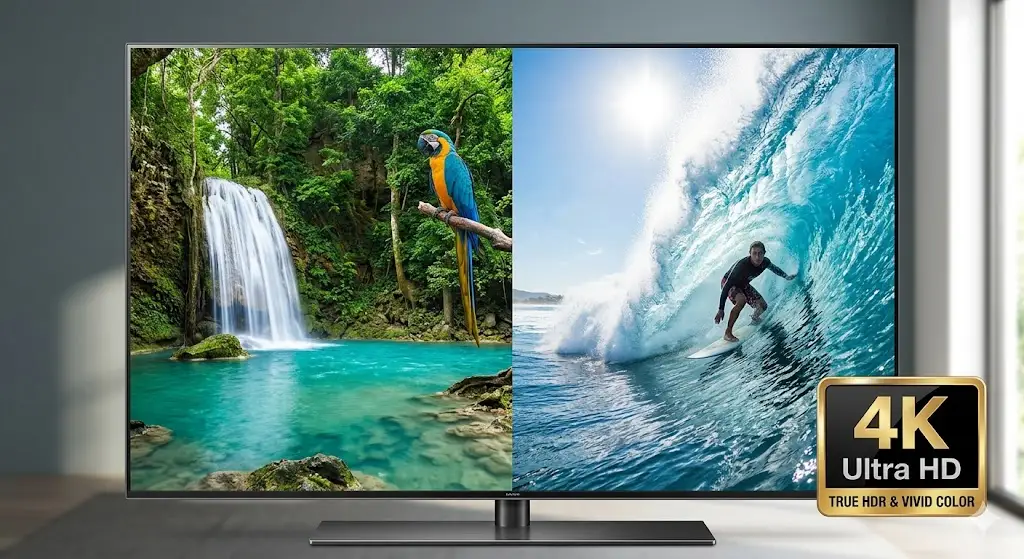
Smart TV Streaming Without Hardware Set-Top Boxes
Smart IPTV (commonly known as SIPTV) is one of the original pioneer applications that brought digital streaming directly into smart televisions without requiring external boxes. If you own a Samsung Tizen TV or LG webOS screen, Smart IPTV offers a clean, straightforward interface for playing your IPTV Testline.
How MAC Address Activation Works
Unlike modern apps that use username/password logins, Smart IPTV identifies your television via its unique hardware MAC address:
- Open Smart IPTV on your TV to view your TV MAC address displayed on the screen.
- Visit the official SIPTV portal on a computer or mobile phone browser.
- Input your TV MAC address in the 'Upload Playlist' field.
- Paste the M3U Plus URL provided by our team on WhatsApp into the 'Link' field.
- Click 'Send', restart the app on your television, and your channels appear immediately.
Regional Availability & Modern Alternatives
Please note that Smart IPTV has been removed from Samsung App Stores in select European regions. If SIPTV is unavailable on your TV model, our WhatsApp support team will gladly recommend and guide you through excellent modern alternatives like IPTV Smarters Pro, NET IPTV, or SET IPTV.
Need Help Installing Your IPTV App?
Our 24/7 technical team can guide you step-by-step through installing and configuring this app on your screen via WhatsApp.
Contact Setup Team on WhatsApp 🟢