
IPTV Smarters Pro for Windows & PC — Desktop Setup
Learn how to set up, optimize, and stream our IPTV Testline using top-tier player applications on smart TVs, streaming sticks, mobile devices, and computers.
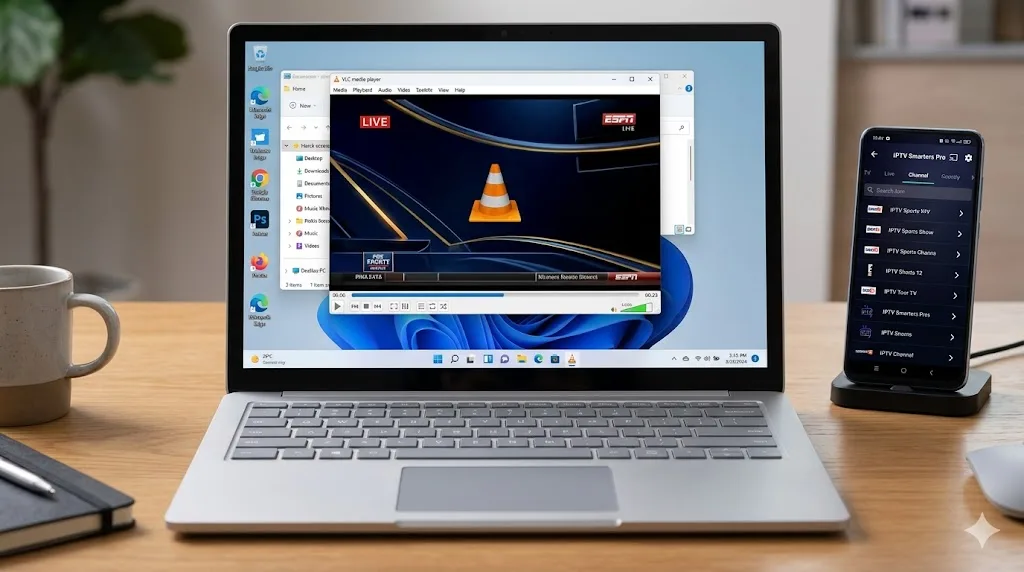
Stream Live Television on Your Windows Desktop or Laptop
Streaming television is not limited to living room television sets. Whether you are working in your home office, studying in a dorm room, or traveling with a laptop, IPTV Smarters Pro for Windows delivers a seamless desktop streaming experience. Connect your IPTV Testline directly to your PC and enjoy over 40,000 live channels with full mouse, keyboard, and multi-monitor support.
Desktop Advantages & Hardware Acceleration
Desktop computers and modern laptops often possess substantially more processing power than small smart TV streaming sticks. IPTV Smarters Pro for Windows leverages your graphics card (Nvidia, AMD, or Intel Iris) for GPU hardware acceleration, allowing 4K Ultra HD streams to render with minimal CPU usage and zero frame drops.
Installation Instructions for Windows 10 & 11
- Download the official IPTV Smarters Pro Windows executable (.exe) installation package.
- Run the installer and follow standard on-screen setup prompts.
- Select 'Log in with Xtream Codes API' on the welcome screen.
- Input your account credentials and server URL received via WhatsApp.
- Enjoy live TV, catch-up playback, and VOD browsing on any monitor.
Need Help Installing Your IPTV App?
Our 24/7 technical team can guide you step-by-step through installing and configuring this app on your screen via WhatsApp.
Contact Setup Team on WhatsApp 🟢