
IPTV Smarters on Samsung Smart TV — Tizen OS Setup
Learn how to set up, optimize, and stream our IPTV Testline using top-tier player applications on smart TVs, streaming sticks, mobile devices, and computers.
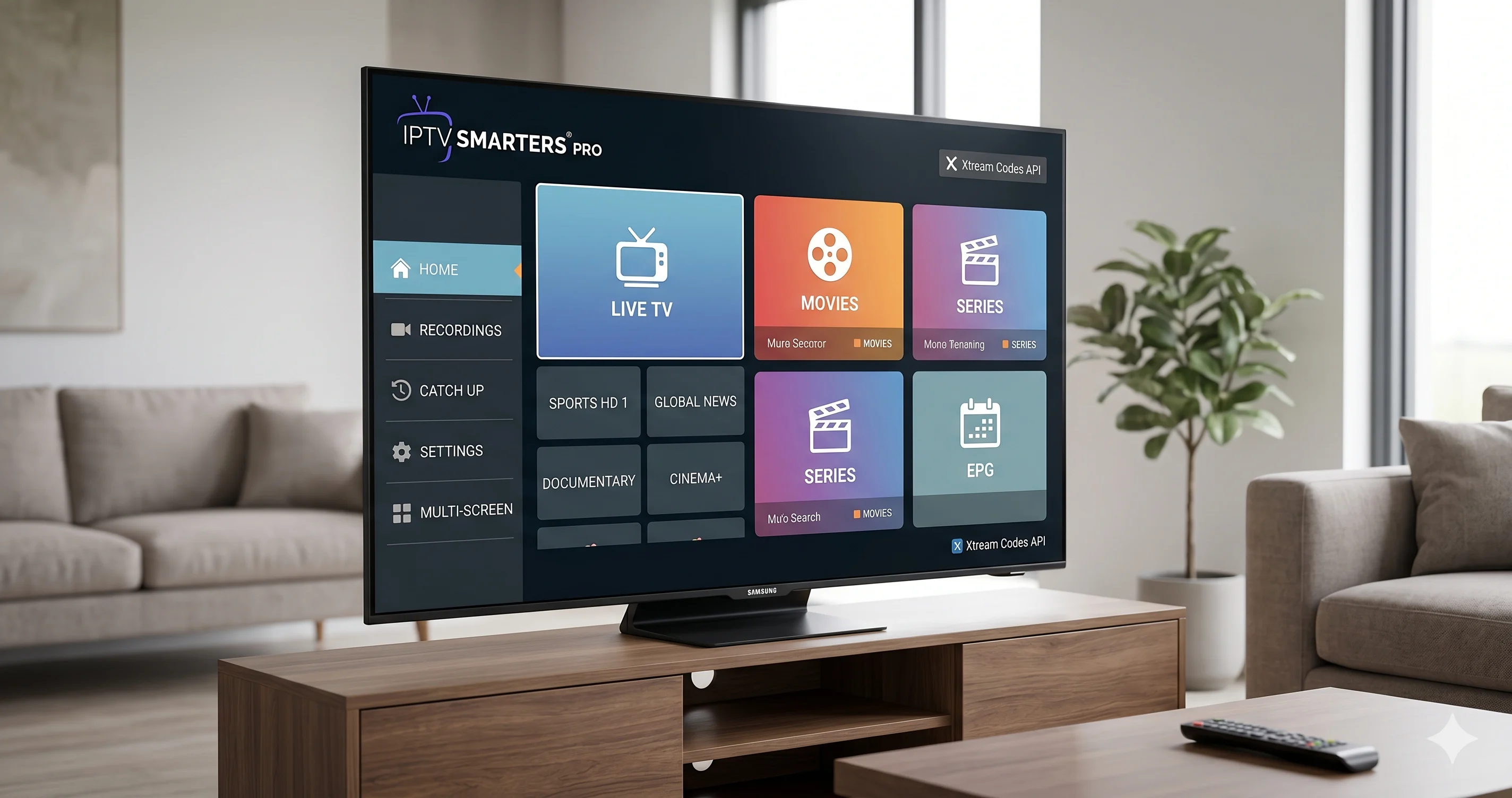
Native 4K Streaming on Samsung Smart TVs
Samsung televisions powered by the Tizen operating system are the most popular smart TVs in German living rooms. Many viewers assume they must purchase an extra streaming dongle to enjoy IPTV, but that is entirely unnecessary. You can install IPTV Smarters Pro directly from the native Samsung Apps store.
Combined with our IPTV Testline, your Samsung TV transforms into a high-powered cable replacement without extra remotes, wires, or hardware clutter.
Step-by-Step Installation on Samsung Tizen
- Press the Home button on your Samsung remote and navigate to the 'Apps' store icon.
- Select the search magnifying glass and type 'IPTV Smarters Pro'.
- Click 'Install' and wait for the download to complete, then click 'Open'.
- Accept the terms of service and choose 'Log in with Xtream Codes API'.
- Enter your account credentials provided by our WhatsApp support team.
- Click 'Add User' to synchronize your live TV channels, sports packages, and movies.
Troubleshooting & Alternative Apps
On select older Samsung models, app names may appear as 'Smarters Player Lite' or require alternative players like NET IPTV or SET IPTV. Our team is available 24/7 on WhatsApp to verify your exact model and guide you through configuration in minutes.
Need Help Installing Your IPTV App?
Our 24/7 technical team can guide you step-by-step through installing and configuring this app on your screen via WhatsApp.
Contact Setup Team on WhatsApp 🟢