
NET IPTV — Lightweight Player for Smart TVs
Learn how to set up, optimize, and stream our IPTV Testline using top-tier player applications on smart TVs, streaming sticks, mobile devices, and computers.
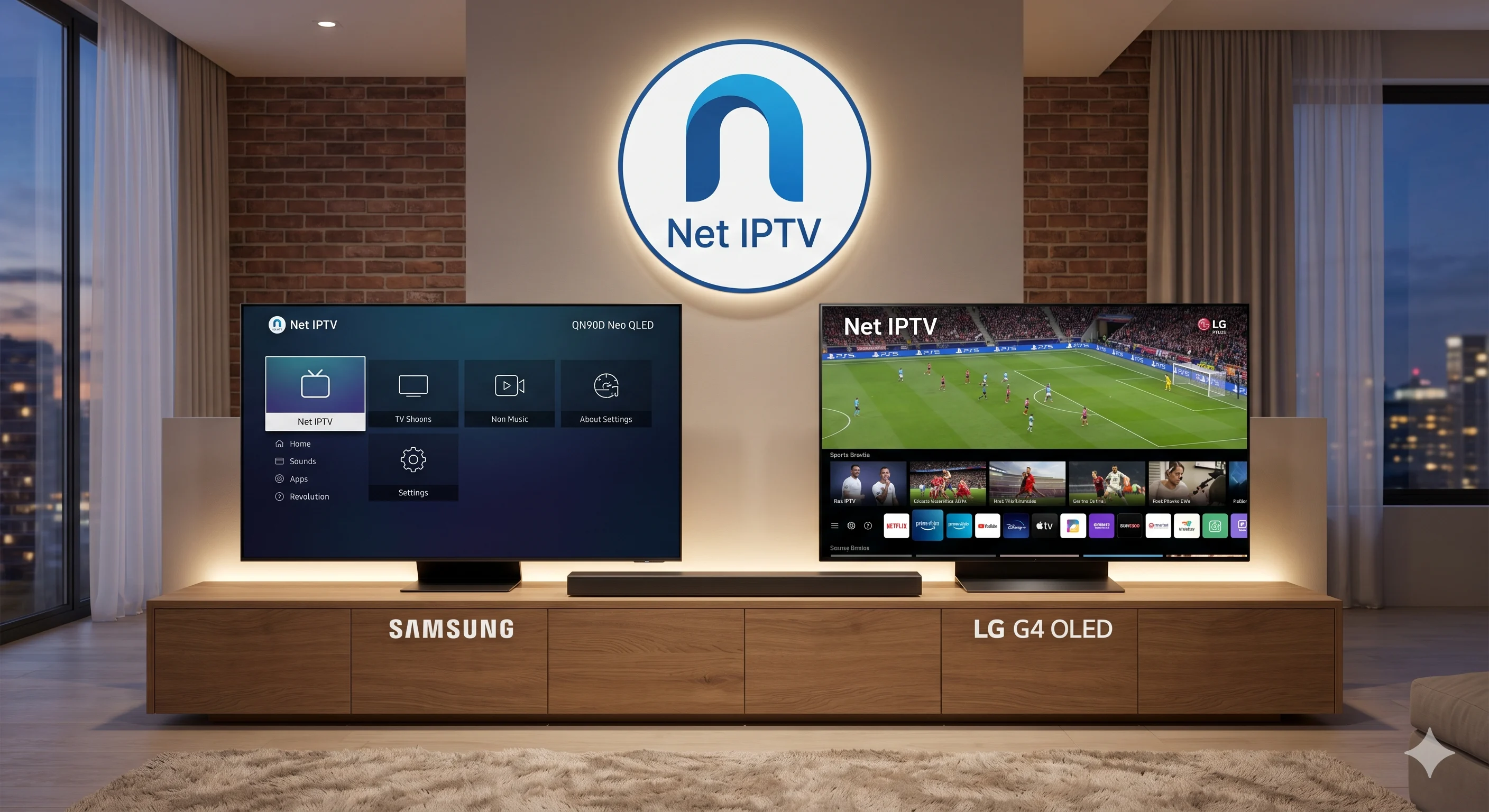
Minimalist, High-Speed Smart TV Streaming
If you are seeking a no-nonsense, lightweight application that starts up in seconds on your Samsung or LG Smart TV, NET IPTV is an exceptional solution. Engineered with a minimalist codebase, NET IPTV consumes minimal television memory while delivering ultra-reliable stream decoding for your IPTV Testline.
How to Setup NET IPTV via Web Portal
- Install NET IPTV from the Samsung App Store or LG Content Store.
- Launch the app to reveal your television's unique MAC address on screen.
- Open the official NET IPTV website (netiptv.eu) on your smartphone or computer.
- Enter your TV MAC address and click 'Upload'.
- Paste the M3U playlist address provided by our WhatsApp customer team and click 'Send'.
- Restart the app on your television, and your complete channel bouquet will load instantly.
Our 24/7 WhatsApp helpdesk is available right now to provide your M3U link and assist with immediate configuration.
Need Help Installing Your IPTV App?
Our 24/7 technical team can guide you step-by-step through installing and configuring this app on your screen via WhatsApp.
Contact Setup Team on WhatsApp 🟢