
📱 Streaming Application Guide
SET IPTV — Modern Smart TV Streaming Application
Learn how to set up, optimize, and stream our IPTV Testline using top-tier player applications on smart TVs, streaming sticks, mobile devices, and computers.
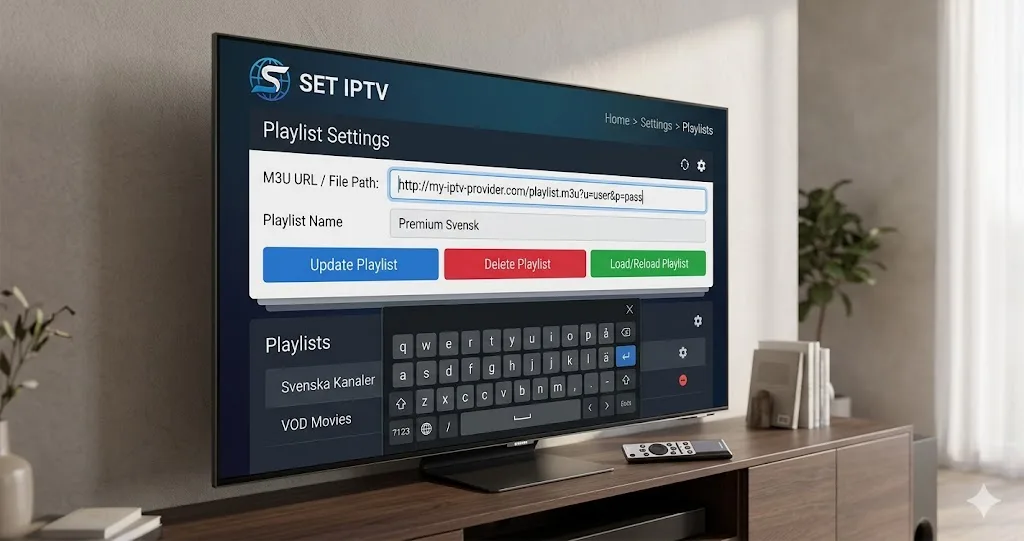
Next-Generation Smart TV Player with EPG Support
SET IPTV is a modern, high-performance streaming application built specifically for Samsung Tizen, LG webOS, and Android TV platforms. It serves as an outstanding alternative to older legacy apps, combining snappy navigation with robust stream decoding for your IPTV Testline.
Activation & Playlist Upload Procedure
- Download SET IPTV directly from your television's native app store.
- Open the application to locate your TV MAC address.
- Visit the SET IPTV web portal on your computer or phone.
- Enter your MAC address and choose your upload method (M3U URL or Xtream Codes).
- Paste the connection details provided by our WhatsApp support team and save.
- Reload the app on your TV to enjoy 40,000+ live channels and VOD entertainment.
Need Help Installing Your IPTV App?
Our 24/7 technical team can guide you step-by-step through installing and configuring this app on your screen via WhatsApp.
Contact Setup Team on WhatsApp 🟢