
Universal IPTV Setup Guide — From Zero to Streaming in 5 Min
Read our expert walkthrough to master modern internet television, optimize your IPTV Testline, and unlock flawless 4K entertainment.
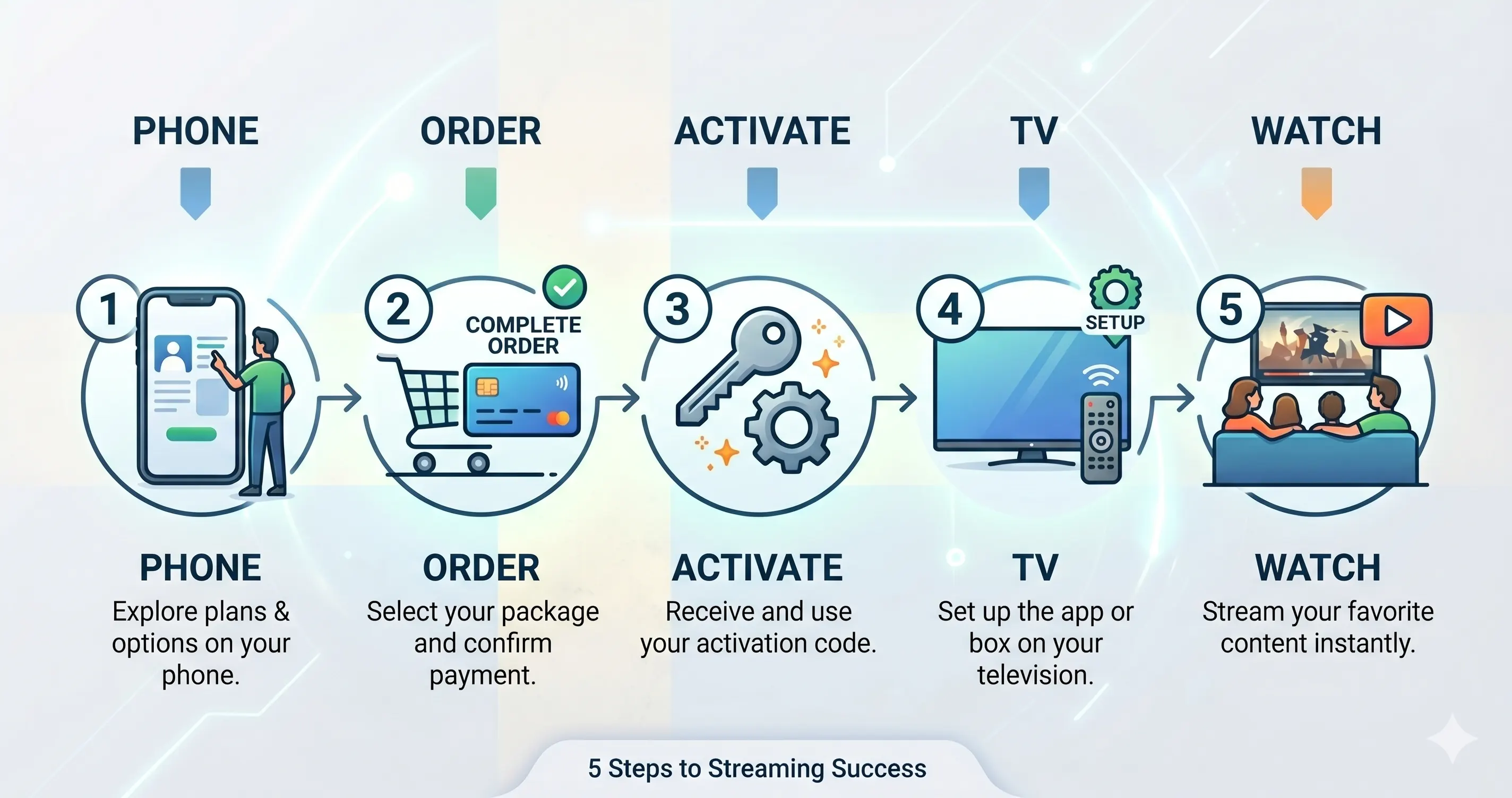
Universal Setup Tutorial for Any Television or Device
Setting up your IPTV Testline is a straightforward process that requires no technical expertise. Whether you are using an Amazon Fire TV Stick, a Samsung Smart TV, an Android TV box, or an Apple device, the general setup workflow follows four quick steps.
Step 1: Connect to High-Speed Internet
Ensure your streaming device has an active internet connection. A physical Ethernet LAN cable is recommended for 4K streaming, or a strong 5 GHz Wi-Fi signal located close to your router.
Step 2: Install a Streaming Player Application
Navigate to your device's app store and download a verified player:
- Fire TV Stick / Android TV: TiviMate or IPTV Smarters Pro.
- Samsung / LG Smart TV: IPTV Smarters Pro, NET IPTV, or SET IPTV.
- Apple TV / iPhone: GSE Smart IPTV or IPTVX.
- Windows PC: IPTV Smarters Pro for Windows or VLC Media Player.
Step 3: Enter Your Connection Details
Open your player and select 'Login with Xtream Codes API'. Input the Server URL, Username, and Password sent by our WhatsApp support team. (Alternatively, enter your M3U playlist URL if your player uses web portal uploads).
Step 4: Load Channels & Enjoy Live TV
The application will take approximately 30 to 60 seconds to download channel categories, EPG schedules, and video on demand catalogs. You are now ready to stream 40,000+ channels in crystal-clear 4K!
Ready to Experience Premium IPTV?
Enjoy 40,000+ live channels in 4K, live Bundesliga coverage, and 120,000+ VOD movies with instant 5-minute activation on WhatsApp.
Order via WhatsApp 🟢